 Minecraft Java Edition
The Best Minecraft Mods (and How to Install Them)
The best Minecraft mods and modpacks, and how to install them step by step in singleplayer and on your Minecraft server (Forge, Fabric, NeoForge).
Minecraft mods install in three steps: a mod loader (Forge, Fabric or NeoForge) matching your version, .jar files dropped into the mods folder, then a launch with the loader profile. The essentials are Sodium and Lithium for optimization, JEI for recipes, Create for machinery, JourneyMap for the map and Biomes O' Plenty for exploration. On a server the same rules apply, with content mods installed on both sides.
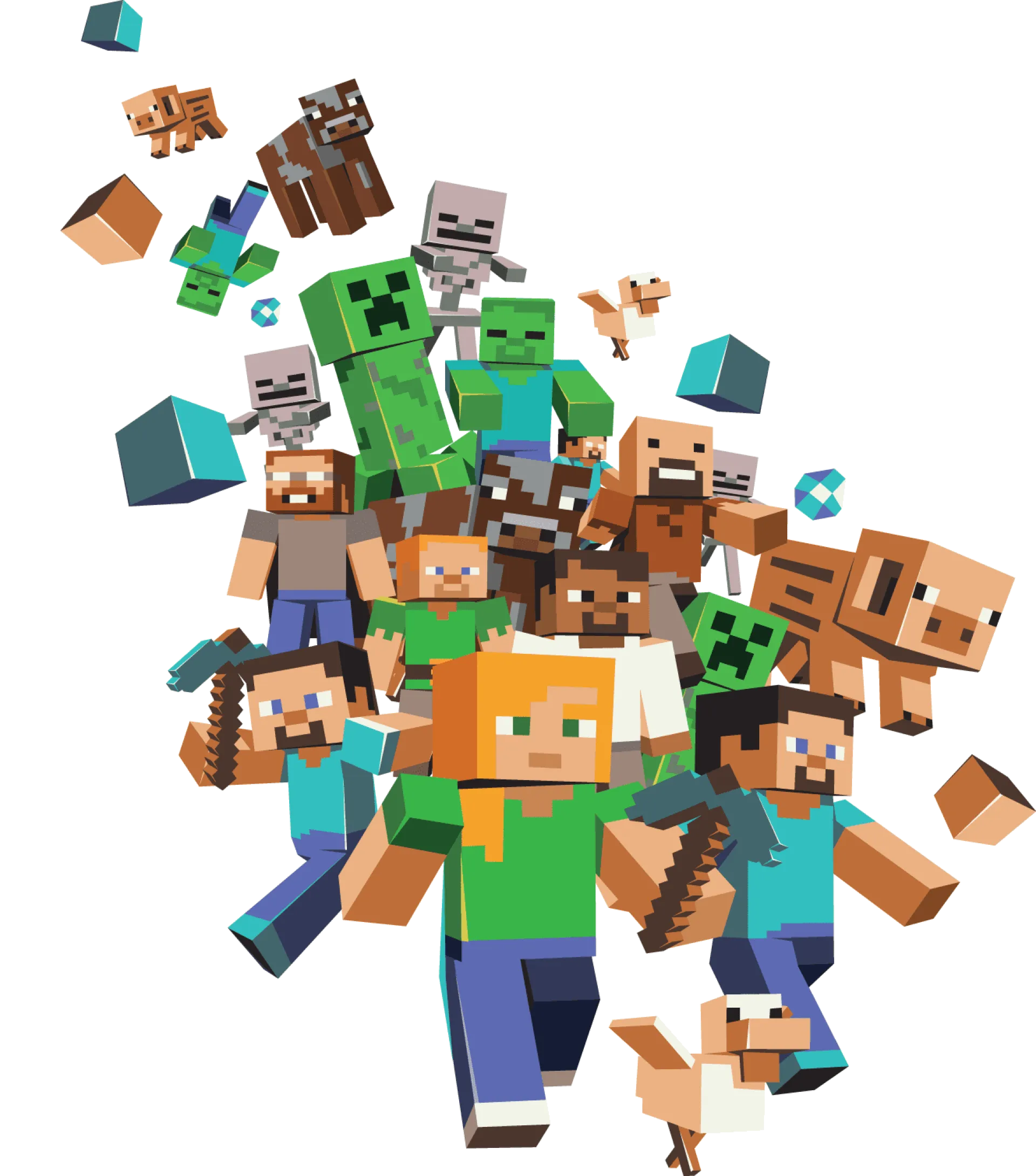
Vanilla Minecraft is already huge, but Minecraft mods turn it into an endless game: new creatures, machines, dimensions, magic, optimization, maps, built-in voice chat. You still need to know which ones to pick, with which loader, and how to install them without breaking your game.
This guide gathers the best mods and modpacks of the moment, explains the difference between Forge, Fabric and NeoForge, then details installation in singleplayer and on a Minecraft server so you can play modded with your friends.
Every mod mentioned is available on Modrinth or CurseForge, the two official platforms where you can download safely.
📑 Table of contents
- Top Minecraft mods 2026 (table)
- Best modpacks
- Forge, Fabric or NeoForge?
- Installing mods in singleplayer
- Installing mods on a server
🏆 Top Minecraft mods 2026 (table)
Here are the most installed and most reliable mods, sorted by use. The "loader" column lists the loaders the mod is published for on recent versions; always check the mod page for your exact version.
| Mod | Loader | Use | Why install it |
|---|---|---|---|
| Sodium | Fabric, NeoForge | Optimization | Replaces the rendering engine: FPS multiplied, especially on modest PCs. Client-side only. |
| Lithium | Fabric | Optimization | Optimizes game logic (AI, physics, chunks) without changing gameplay. Ideal server-side. |
| Iris Shaders | Fabric | Graphics | Lets you use shaders with Sodium, for realistic shadows and water. |
| Distant Horizons | Fabric, Forge, NeoForge | Graphics | Renders simplified chunks at huge distances: the horizon finally becomes visible. |
| JEI (Just Enough Items) | Forge, NeoForge, Fabric | Quality of life | Shows every recipe and use of an item. Essential as soon as several mods are installed. |
| Jade | Forge, NeoForge, Fabric | Quality of life | A tooltip that names the block or creature you are looking at, with its details. |
| JourneyMap | Forge, NeoForge, Fabric | Map | Minimap and full-screen map with shareable waypoints. |
| Xaero's Minimap and World Map | Forge, NeoForge, Fabric | Map | A lightweight, very readable alternative to JourneyMap. |
| Create | Forge, NeoForge, Fabric | Tech | Animated mechanical machines (gears, belts, trains). The most popular tech mod. |
| Applied Energistics 2 | Forge, NeoForge, Fabric | Tech | Digital storage and advanced automation. |
| Mekanism | Forge, NeoForge | Tech | Industry, energy, fusion: the mod for giant factories. |
| Biomes O' Plenty | Forge, NeoForge | Exploration | Dozens of new biomes, woods and flowers. |
| Alex's Mobs | Forge, NeoForge | Creatures | More than 80 realistic animals and creatures, each with its own mechanic. |
| Farmer's Delight | Forge, NeoForge, Fabric | Gameplay | Cooking, crops and prepared meals: survival from the kitchen side. |
| Waystones | Forge, NeoForge, Fabric | Gameplay | Teleportation points to build and share between players. |
| Tinkers' Construct | Forge, NeoForge | Tools | Forge modular tools from materials with different properties. |
| Simple Voice Chat | Fabric, Forge, NeoForge | Multiplayer | Proximity voice chat built into the game, also available as a plugin. |
Many mods rely on a shared library: Fabric API for Fabric, or libraries such as Architectury, Cloth Config or Balm. The mod page on Modrinth or CurseForge lists them: install them at the same time, otherwise the game refuses to start.
📦 Best modpacks
A modpack is a set of mods already assembled, configured and tested together. It is the easiest way to play modded, and by far the most comfortable for a server with friends.
- All The Mods (ATM): the "everything" modpack, hundreds of tech, magic and exploration mods. Very RAM-hungry.
- Pixelmon: Minecraft meets Pokémon, with catching, battles and evolutions. A classic on community servers.
- Cobblemon: the same idea as Pixelmon in a style faithful to vanilla, lighter and available on Fabric as well as NeoForge.
- RLCraft: hardcore survival, merciless and legendary. Hunger, thirst, temperature, dragons: everything wants you dead.
- Better MC (BMC): vanilla enhanced with Create, new biomes and dungeons, without distorting the game. Perfect for a first modpack.
- SkyFactory: start from a tree on a floating island and automate everything. The reference skyblock modpack.
- FTB (Feed The Beast): a family of polished modpacks, from light to very heavy, with guided quests.
- Vault Hunters: procedural dungeons to clear as a team, with RPG-style progression.
- Prominence II: adventure and RPG on Fabric, with classes, bosses and dungeons.
- One Block: a single block to mine endlessly, generating resources and creatures as phases progress.
For a server, remember two rules: the heavier the modpack, the more dedicated RAM it needs (see how much RAM for a Minecraft server), and every player must install exactly the same modpack in the same version.
🔧 Forge, Fabric or NeoForge?
A mod loader is the program that lets the game load mods. There are three main ones, and a mod is published for one or more of them.
| Criterion | Forge | Fabric | NeoForge |
|---|---|---|---|
| Origin | The historical loader, since the game's early years | Lightweight loader launched in 2018 | Split from Forge in 2023, led by part of its team |
| Ecosystem | Huge on older versions | Very rich, especially optimization and lightweight mods | Took over most Forge mods on recent versions |
| New version support | Slower | Very fast, often same day | Fast |
| Performance | Decent | Excellent with Sodium and Lithium | Good |
| Flagship modpacks | RLCraft, SkyFactory (older versions) | Cobblemon, Prominence II, optimization packs | Recent All The Mods, Better MC, recent FTB |
| Compatibility | Forge mods only | Fabric mods only | NeoForge mods; Forge mods are not compatible without a port |
In practice:
- you want to play on a recent version with good performance: Fabric;
- you want a big modern modpack: NeoForge;
- you play on an older version or a historical modpack: Forge.
Loaders do not mix: a Fabric server will never load a Forge mod. Choose the loader before choosing the mods, or start from a modpack that already made that choice for you.
💻 Installing mods in singleplayer
Step 1: know your version
Mods are tied to a specific Minecraft version. Note the one you use (shown at the bottom left of the title screen) and only download mods published for that version and your loader.
Step 2: install the loader
- Download the installer from the official site: files.minecraftforge.net for Forge, fabricmc.net for Fabric, neoforged.net for NeoForge.
- Run it, choose "Install client" and the game version.
- Open the Minecraft launcher: a new profile named after the loader has appeared. Launch it once to create the
modsfolder.
Step 3: drop in the mods
Place the downloaded .jar files in the mods folder of your installation:
- Windows:
%appdata%\.minecraft\mods - macOS:
~/Library/Application Support/minecraft/mods - Linux:
~/.minecraft/mods
Do not forget the dependencies (Fabric API, libraries listed on the mod page).
Step 4: launch with the right profile
In the launcher, select the loader profile and start the game. If the game crashes on startup, remove mods one by one to find the culprit: nine times out of ten it is an incompatible version or a missing dependency.
Modrinth App, Prism Launcher or the CurseForge app install loader, mods and modpacks in a few clicks, handle dependencies and keep your profiles separate. This is the recommended method for modpacks.
🚀 Installing mods on a server
On a server, the principle is identical, with one subtlety: content mods must be present both on the server and on every player's client, in the same version.
On a hosted server
- From the panel, choose the Minecraft version and the loader (Forge, Fabric or NeoForge). At Lordhosting, changing version takes one click, and popular modpacks install the same way from the panel.
- Upload your
.jarfiles to the server'smodsfolder through the file manager or SFTP. - Add the dependencies (Fabric API or required libraries).
- Restart the server and watch the console: an error at startup almost always means an incompatible mod or a missing dependency.
- Share the exact mod list with your players, or better, a ready-to-install modpack.
For a complete walkthrough on Fabric, follow our guide how to install Fabric on your Minecraft server.
On a server at home
Install the loader in "Install server" mode in your server folder, place the mods in mods, then start the server with the generated start file. The constraints of self-hosting (ports, IP, PC always on) are detailed in our comparison free Minecraft server: options and limits.
Common mistakes
- Client-side mods on the server: Sodium, Iris or a minimap do not belong in the server's
modsfolder and can stop it from starting. - Different versions between players: a player with a different mod version is rejected at connection.
- Not enough RAM: a modpack that stutters or crashes while loading chunks is almost always short on memory.
- Mixing loaders: a Forge mod in a Fabric server blocks startup.
Adding or removing a content mod changes the world: the blocks of a removed mod disappear. Back up the world before every change to the mod list.
⚙ Going further
- How to install Fabric on your Minecraft server: the step-by-step from the panel.
- How much RAM for a Minecraft server: sizing a modded server.
- Paper, Purpur, Spigot or Vanilla: which framework to choose: if plugins are enough for you.
- Which Java version for Minecraft: the right Java version for your loader.
- Minecraft enchantments: full list and best picks: optimizing your gear, with or without mods.
🎮 Play modded with friends
A modpack with friends needs a server that is always on, with dedicated RAM and a panel that installs Forge, Fabric or NeoForge in one click. Discover our Minecraft server plans and launch your modded server in under a minute.
❓ Need help?
A mod refuses to load or your modpack will not start? Our team is there for you 7 days a week. 👉 Contact LordHosting support
Frequently asked questions
Related guides
Blue Axolotl in Minecraft: How to Get One
How to get a blue axolotl in Minecraft: the 1 in 1,200 breeding odds, tropical fish buckets, every colour, taming questions and what axolotls are for.
BungeeCord Documentation
BungeeCord is a Minecraft proxy that connects multiple servers together, providing a smooth and unified gaming experience.
How to Change the Java Version on Your Minecraft Server
Tutorial to change the Java version (Java 8, 17, 21, GraalVM) on your Lordhosting Minecraft server in a few clicks from the panel.
How to Choose the Best Minecraft Server Framework in 2026
Vanilla, Spigot, Paper, Forge, Fabric or NeoForge: which framework should you choose for your Minecraft server? Full comparison guide.















